
WordPress Speed Optimization Service That Fixes Slow Loading Sites
Slow WordPress sites lose users. We fix the speed issues holding yours back.
WordPress websites slow down more easily than most site owners expect. Heavy themes, too many plugins, page builders, and shared hosting often stack small problems on top of each other. At first, the site feels “a bit slow.” Over time, that delay becomes noticeable, especially on mobile devices where users have less patience.
You know what? visitors don’t wait for slow pages to load. When a WordPress site takes too long, people leave before they see the content, read the offer, or fill out a form.
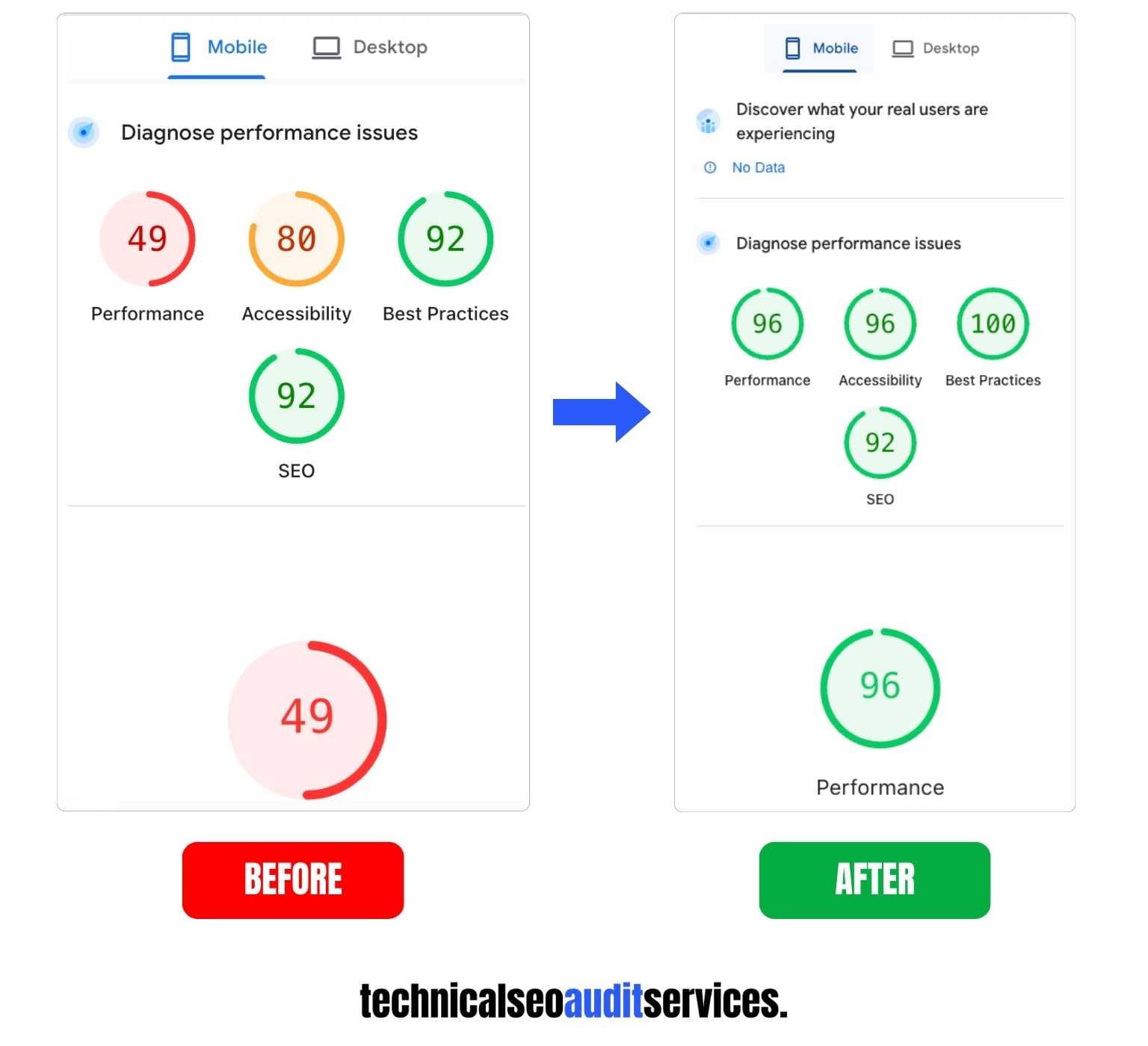
Speed issues also affect how search engines evaluate your site. Slow loading, unstable layouts, and delayed interactions signal poor user experience. Even strong content struggles when performance holds it back.
How WordPress speed issues are fixed?
The process follows a clear and practical flow.
Each step builds on the previous one, so speed issues get fixed without guesswork or unnecessary changes.
Manual review, not plugin-only fixes
Most WordPress speed issues don’t come from a single missing plugin. They come from how themes, plugins, hosting, and page structure work together. Relying only on plugins often hides problems instead of fixing them. A manual review looks at what actually slows your site down, so speed improvements are based on real causes, not quick shortcuts.
Real performance behavior over lab scores
Speed scores can look good while users still struggle. Lab tests don’t always reflect how a site behaves on mobile devices, slower networks, or real browsers. This approach focuses on real loading behavior, visual stability, and interaction delays. The goal is to improve how your site feels to visitors, not just how it looks inside a testing tool.
Each fix tested to avoid breakage
Speed fixes can break layouts, scripts, or tracking if applied blindly. That’s why every change is tested before moving forward. Fixes are applied carefully, checked across pages, and reviewed to make sure nothing important stops working. This keeps your site stable while improving performance.
Changes focused on impact, not chasing numbers
Not every issue needs fixing. Some changes barely affect real speed, even if tools flag them. Fixes are prioritized based on impact, so effort goes into changes that actually make pages load faster and feel smoother. The focus stays on results that matter, not chasing perfect scores that don’t help users.
Fix the speed issues slowing down your WordPress website.
When WordPress speed becomes a serious problem
Many site owners aren’t sure if speed is the real issue or just a minor annoyance. By describing common, real-world problems
The site feels slow on mobile
WordPress sites often load slower on mobile than on desktop. Heavy layouts, images, and scripts hit mobile devices harder. When scrolling feels laggy or pages take too long to respond, users lose patience fast and leave before engaging.
PageSpeed or Core Web Vitals warnings appear
Speed tools and Search Console start showing warnings, but they don’t explain what actually needs fixing. These alerts usually point to deeper issues like layout shifts, slow interactions, or delayed loading that affect real users, not just scores.
Traffic exists, but conversions stay weak
You may still get visitors, yet forms don’t get filled and sales don’t happen. Slow loading creates friction at critical moments. Even small delays during page load or interaction can stop users from taking action.
A redesign or new plugins slowed the site
New themes, builders, or plugins often add extra weight without notice. The site looks better, but performance drops. What seemed like an upgrade quietly turns into a speed problem that affects every page.
Speed tools show problems, but fixes are unclear
Reports list dozens of issues, yet it’s hard to know what matters. Some fixes feel risky, others feel pointless. Without clear direction, speed problems stay unresolved and performance keeps slipping.
We fix it 😉
Don’t let a slow WordPress site keep costing you visitors — we fix the speed issues.
Contact us right now
What slows down WordPress websites
Heavy themes and page builders
Many WordPress themes and page builders add extra code that loads on every page, even when it isn’t needed. Visual builders often look great, but they can create heavy layouts, extra css & java-scripts that slow down loading, especially on mobile.
Un-optimized images and media
Large images and media files are one of the most common speed killers. Images that aren’t resized or compressed force browsers to download more data than needed. This slows pages down and makes content appear late, especially on slower connections.
Database and query overhead
As a WordPress site grows, its database fills with old revisions, unused data, and inefficient queries. Each page request then takes longer to process. This hidden slowdown often goes unnoticed but steadily affects performance.
Too many or poorly built plugins
Plugins extend WordPress, but each one adds scripts, styles, or background tasks. Poorly coded plugins can load unnecessary files site-wide or run slow database queries. When plugins pile up, even small inefficiencies add noticeable delay.
Poor script loading order
When scripts load in the wrong order, they block the page from rendering smoothly. Some files load before content appears, while others delay user interaction. This creates blank screens, layout shifts, and slow responses that frustrate visitors.
Hosting limitations
Hosting plays a major role in speed. Shared resources, slow servers, or poor configuration can limit how fast WordPress responds. Even a well-optimized site struggles when hosting can’t keep up with traffic or processing needs.
What WordPress speed optimization service includes
In this service starts with a focused review of how your WordPress site actually performs. The goal is to understand where speed breaks down, how visitors experience it, and which technical issues slow pages the most. Everything is reviewed in context, so fixes are based on real behavior, not guesses.
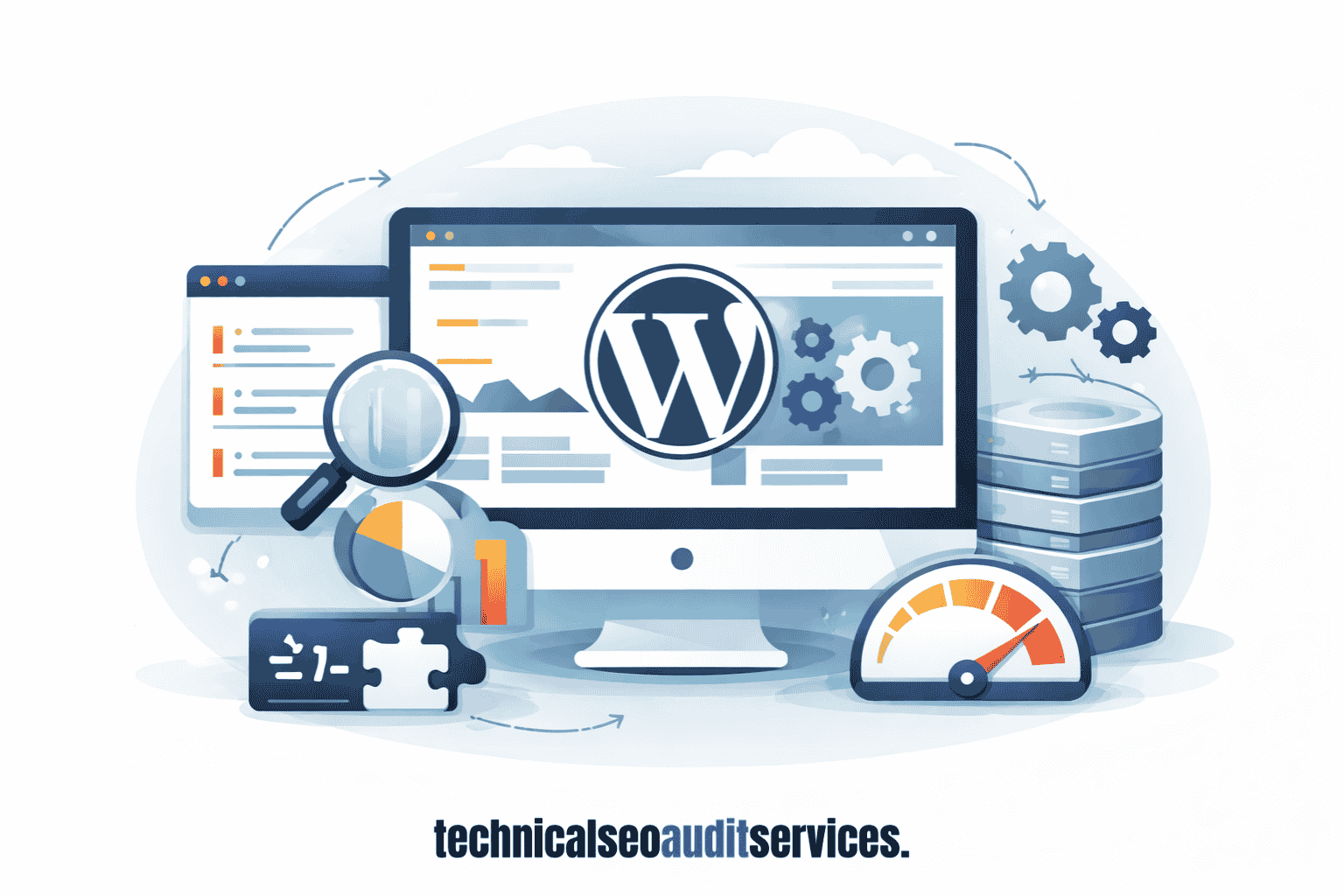
WordPress performance review
This review looks at how your WordPress site performs as a complete system. Instead of checking pages one by one, the focus stays on how everything works together. The theme setup, page structure, plugins, scripts, and background processes are reviewed as a whole. Many speed problems don’t come from a single issue, but from small delays stacking up across the site.
This step helps identify patterns that slow down multiple pages, such as repeated scripts, heavy layouts, or inefficient site structure. It also prevents quick fixes that improve one page while slowing down others. The goal is to understand where performance breaks at a site level, not just at a page level.
Mobile and desktop speed checks
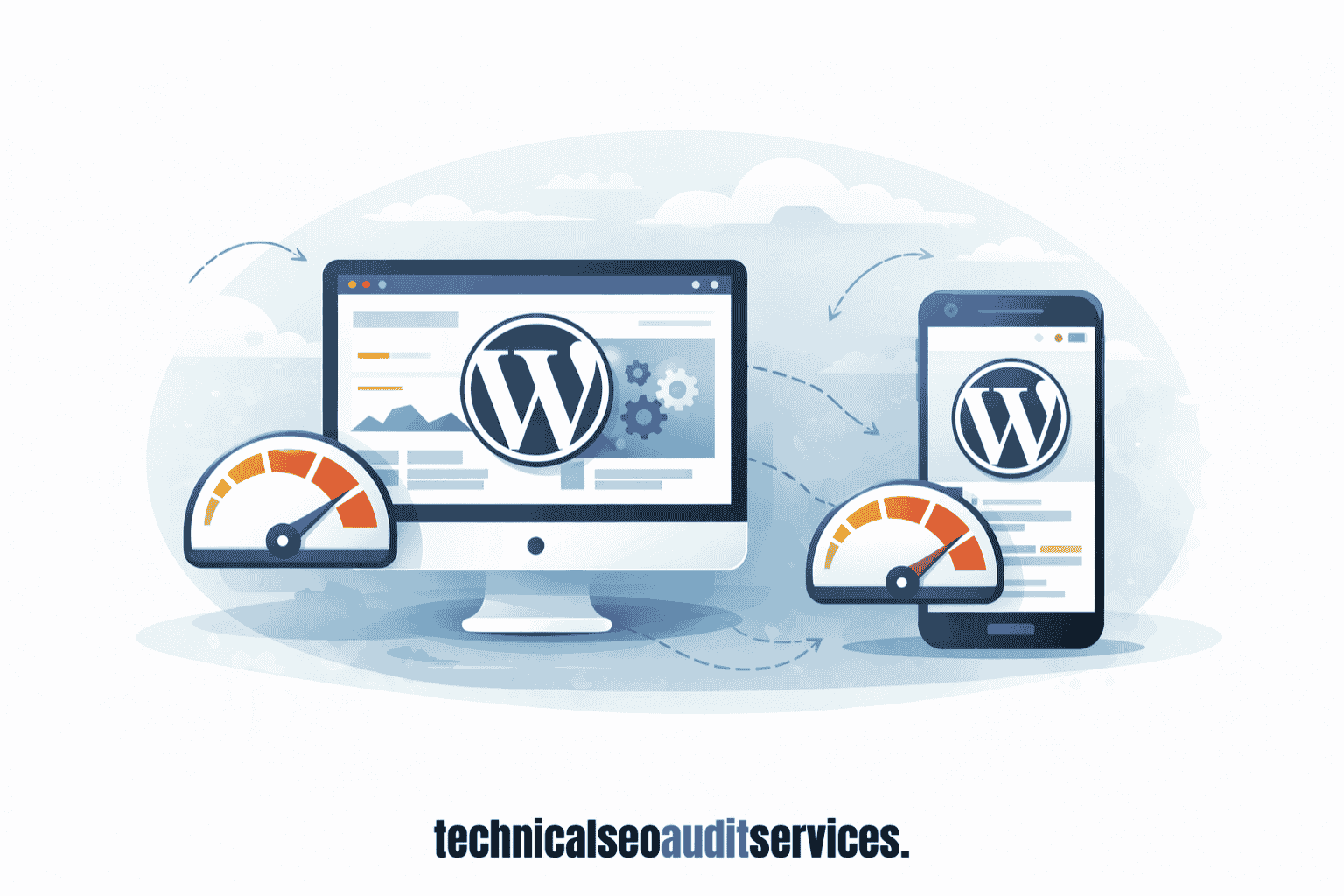
WordPress sites often show very different behavior on mobile and desktop. A page that loads quickly on a desktop can feel slow, jumpy, or unresponsive on a phone. This happens because mobile devices have less processing power and slower connections, and WordPress layouts don’t always adapt well.
Both mobile and desktop views are reviewed separately to see where loading slows down, where content appears late, and where interactions feel delayed. This ensures speed fixes don’t favor one device while hurting the other. The goal is to make the site feel smooth and responsive no matter how visitors access it.
Core Web Vitals issues
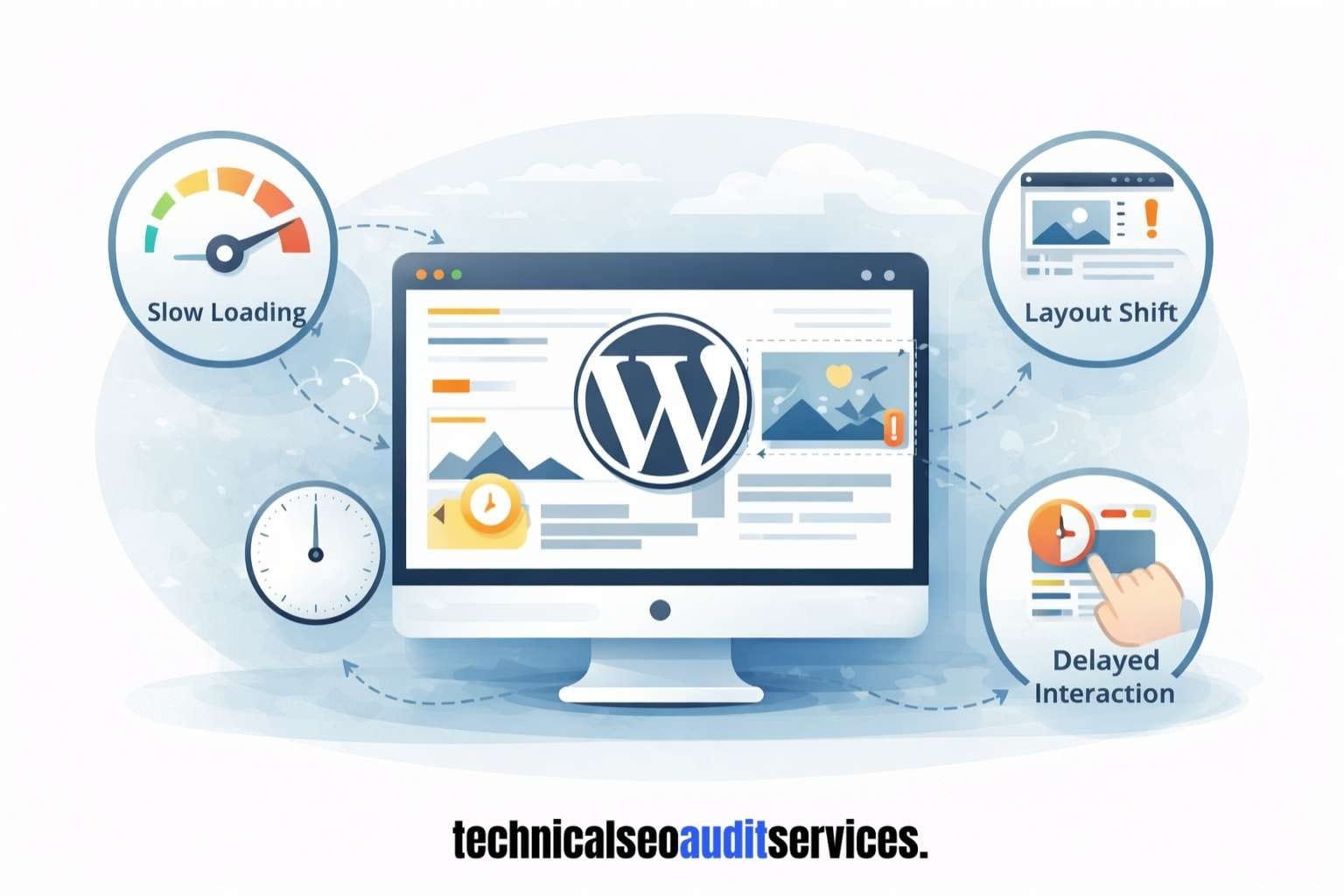
Core Web Vitals highlight problems that affect how users experience a site, such as slow loading, layout shifts, and delayed interaction. These issues don’t just affect scores; they affect how reliable and stable a site feels. Visitors notice when pages jump, buttons respond slowly, or content loads in pieces.
This service looks beyond the score and focuses on what actually causes these problems. Instead of chasing perfect numbers, it identifies the technical reasons behind delays and instability. Fixes are based on real impact, so improvements make pages feel faster and more stable to real users.
Resource loading & render issues
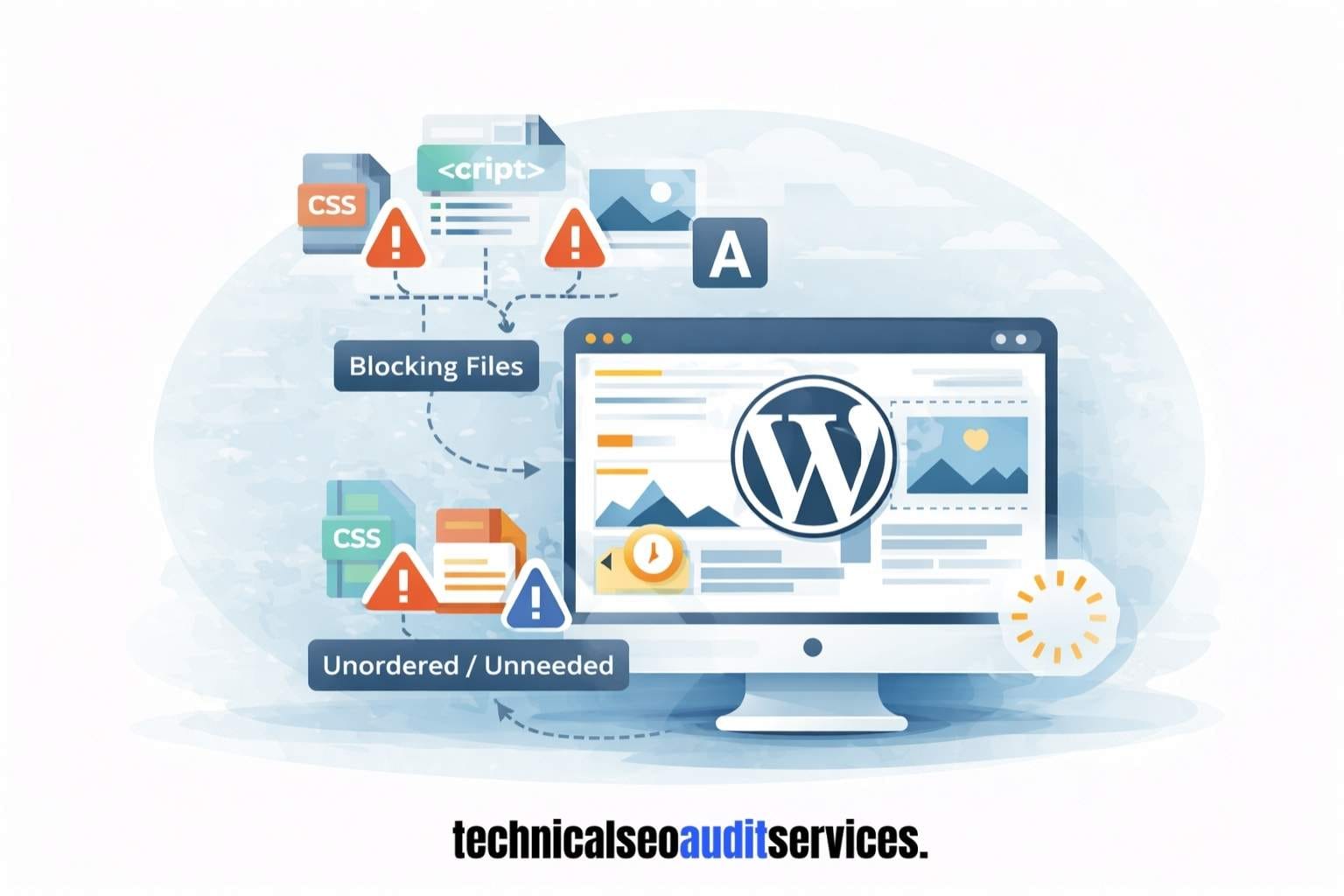
Many WordPress speed problems come from how files load on a page. Scripts, styles, images, and fonts often load at the wrong time or in the wrong order. Some files block content from appearing, while others delay user interaction after the page looks loaded.
This review identifies which files slow down rendering and why. It looks at loading order, unnecessary resources, and files that affect layout stability. By fixing these issues, pages can load content sooner, feel more responsive, and avoid sudden jumps or delays during loading.
WordPress-specific bottlenecks
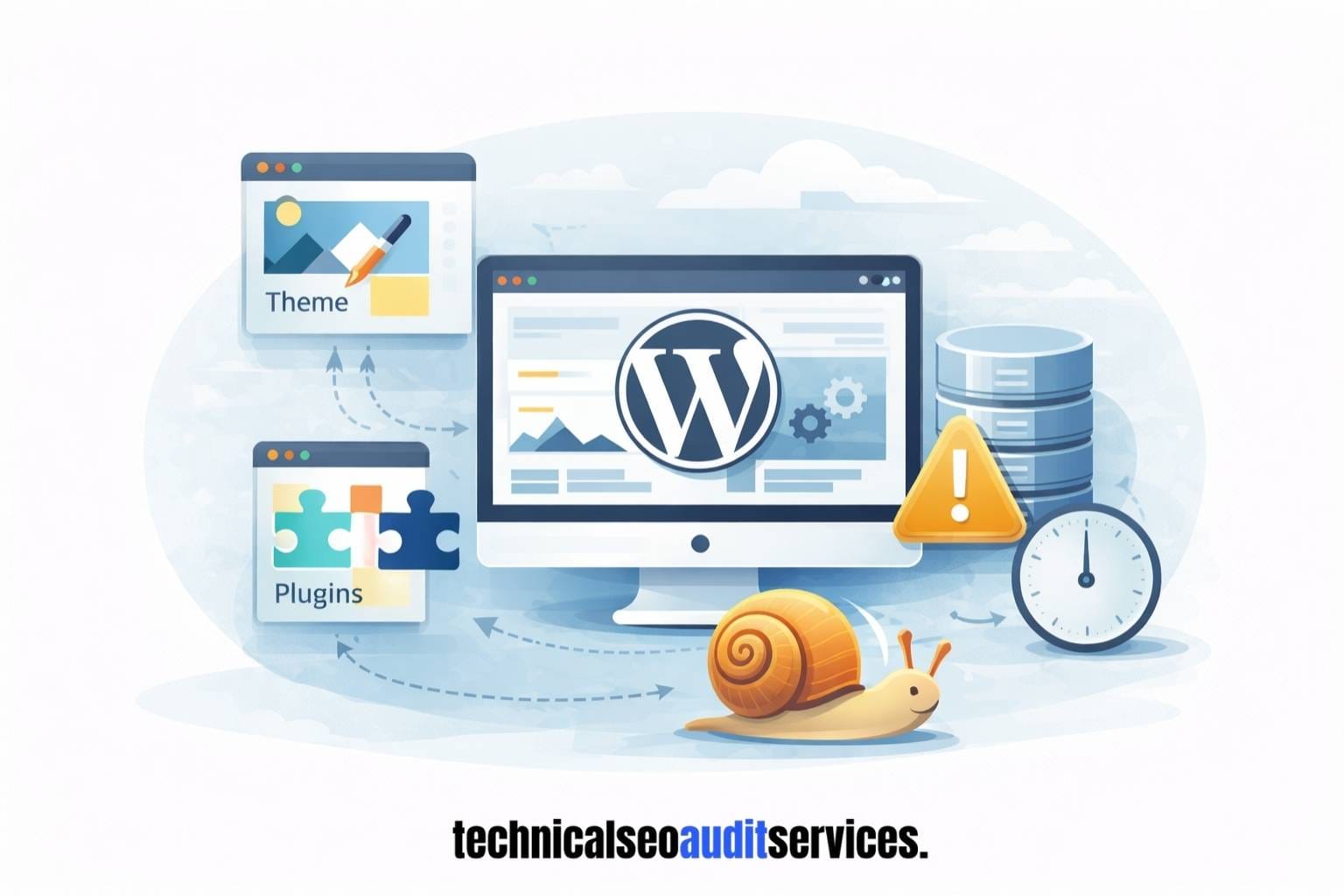
Some performance issues exist only because a site runs on WordPress. These include how themes generate pages, how plugins interact with each other, and how the database handles requests. Over time, revisions, unused data, and inefficient queries can slow response times without obvious signs.
This step focuses on those WordPress-only bottlenecks that generic speed fixes often miss. By addressing how WordPress handles content, data, and dynamic requests, performance improves in a way that stays stable as the site grows.
What gets optimized on your WordPress site.
This service focuses on the parts of your WordPress site that have the biggest impact on speed and stability. Each area is reviewed with the goal of making pages load faster and feel smoother without breaking design or functionality.
Images and media handling
Images and media files are reviewed to ensure they load efficiently. Oversized images, unnecessary formats, and media that load too early often slow pages down. Fixes focus on delivering images in the right size and at the right time so content appears faster without losing quality.
Fonts and layout stability
Fonts can affect how stable a page feels while loading. When fonts load late, text can shift or flash, which hurts user experience. This step focuses on keeping layouts steady so pages don’t jump as content loads.
Mobile rendering
Fonts can affect how stable a page feels while loading. When fonts load late, text can shift or flash, which hurts user experience. This step focuses on keeping layouts steady so pages don’t jump as content loads.
Scripts and styles loading
Scripts and styles control how your site looks and behaves, but they can also block loading. Files that load too early or unnecessarily are identified. Loading order is adjusted so important content appears first and interactions feel responsive instead of delayed.
Database and query behavior
WordPress relies heavily on database requests. Inefficient queries, unused data, or repeated requests can slow down every page. These issues are reviewed to reduce processing time and keep page loads consistent as the site grows.
WordPress theme & plugin impact
Themes and plugins are reviewed for their effect on performance. Some load unnecessary code across the site or conflict with each other. This step identifies which parts add real value and which ones quietly slow things down.
Results you can expect from WordPress speed optimization
Speed optimization improves how your WordPress site feels and performs over time. Instead of chasing numbers, the focus stays on changes that make a real difference for visitors and site owners.
Who this service is for?
If your WordPress site depends on visitors staying, reading, clicking, or buying, speed isn’t optional. Slow loading quietly pushes users away, weakens trust, and makes even good traffic less effective, so what?
No worries about that I’ll fix the performance issues of your WordPress website, just reach out to me.
I need help
Need an audit
Common questions about WordPress speed optimization
Improve your WordPress site speed before it costs you more
What feels “a bit slow” today can quietly become a reason users stop engaging tomorrow. And, Slow WordPress sites lose users every day. Visitors leave before pages finish loading, trust drops, and even good traffic becomes less effective.
This work is supported by practical experience and recognized SEO certifications, including iSkills and HubSpot.
Fixing speed early is usually simpler and less costly than fixing it later.